
A math workbook is open on the kitchen table. One kid is halfway through, another needs the subtraction explained a second time, and the youngest is building a tower on the chair. You wanted everyone practicing something while you flipped pancakes. On the shelf, three different workbooks for three different grade levels.
While the pancakes cook, hand one kid the iPad. The right math app does what a workbook cannot: adjust to the child, keep going when you step away, and let siblings on different grade levels work from the same device.
Here are the iPad apps earning table time in our homeschool, with a short note on who they fit and what they actually cost. Prices move around, so check the App Store before you buy anything.
1. MathHero: Story-Driven Practice for Ages 5-10
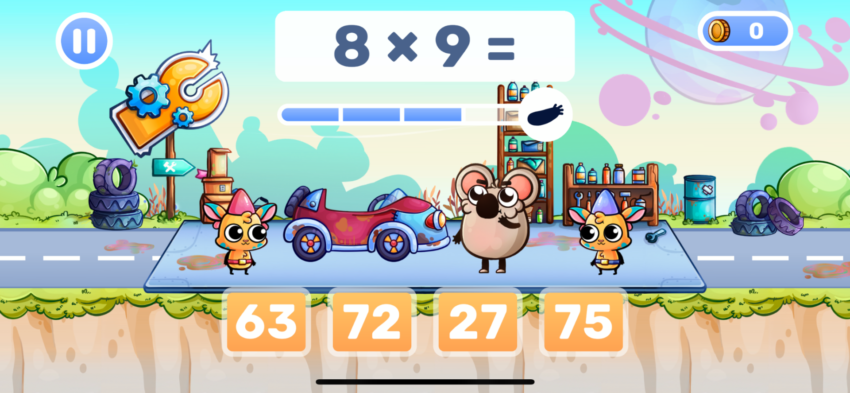
MathHero is where my K-4 kids go when they need to practice math facts and I need to help somebody else. It is a story-driven adventure where answering 11 + 8 launches an arrow at the monster, 8 + 8 fixes a race car, 2 + 2 opens a cage. Math is how you play, not what you do before you play.
What makes it work for a homeschool day:
- Each kid gets their own profile with their own settings. One is practicing addition within 20, another is grinding the eights and nines. Same iPad, same morning.
- The free mode is the whole game at 5 levels a day, which lands at about 10 to 15 minutes per child. No ads, no locked content.
- Works offline, so a road day or a slow Wi-Fi morning does not break the practice streak.
- Covers addition, subtraction, multiplication, and division within 1000. It stops where early arithmetic stops, which is honest.
What MathHero is not: a from-scratch curriculum. If your child is still learning to count, start with Khan Academy Kids. If you need arithmetic drilled while you focus on reading or science with another kid, MathHero is the one I reach for first.
2. Khan Academy Kids: Free, Gentle, Early Years
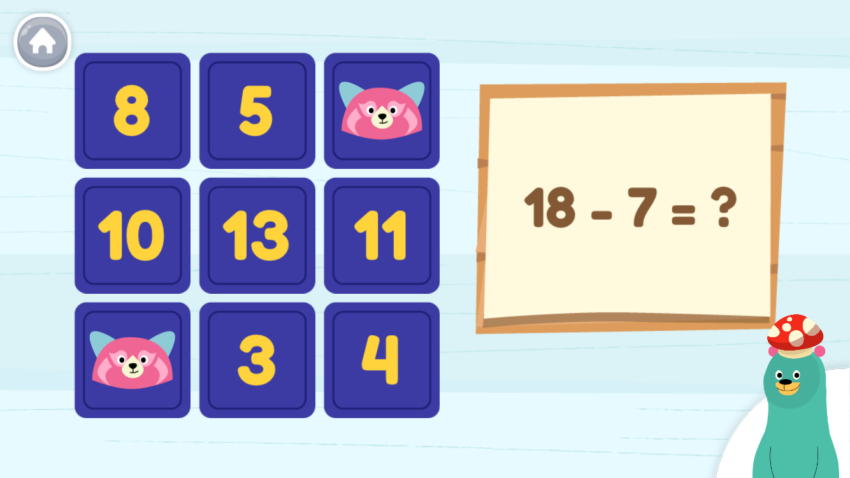
Khan Academy Kids covers counting activities, basic concepts, shapes, patterns, early addition, and some early reading. Fully free, no ads, no in-app purchases. The animal characters (Kodi the bear, Sal the octopus) are the thing my youngest talks about at dinner.
Where it fits in a homeschool:
- Pre-K and kindergarten math, especially for the kid who is not yet reading. The audio prompts walk them through everything.
- Independent center time while you teach a sibling. The pacing is gentle enough that kids do not get stuck and call for you every two minutes.
- A low-friction way to introduce an iPad into school time. If a tablet feels like too much for your 4-year-old, Khan Academy Kids is the softest landing.
Honest limit: once your first grader is reliably answering 7 + 5, the challenging math problems inside Khan Academy Kids run out. That is the moment to add MathHero.
3. Todo Math: K-2 Daily Practice Built by Teachers
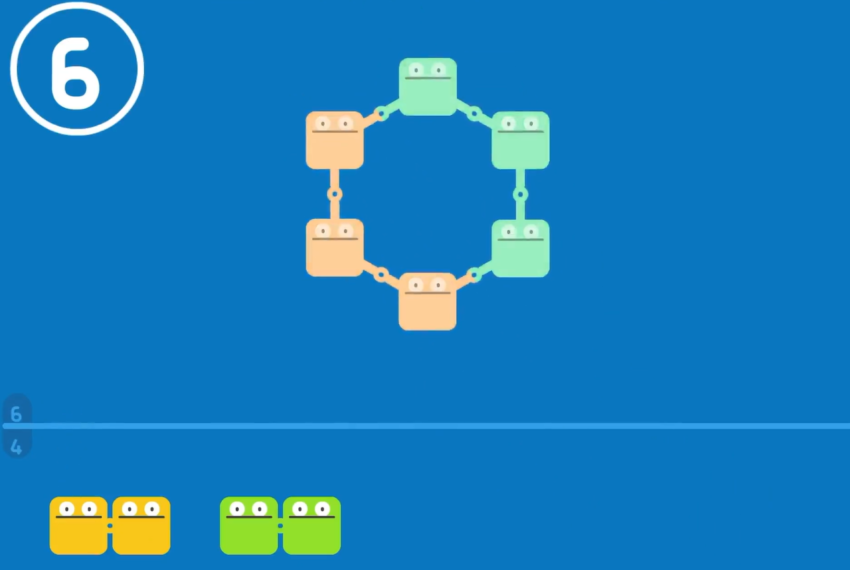
Todo Math is from Enuma, a studio that got its start building apps for kids with learning differences. The design shows: clean prompts, visual number lines, one small task at a time. Our 1st grader uses it while I run reading with the older two.
What makes it a homeschool fit:
- Covers pre-K through grade 2: counting, number recognition, addition, subtraction, place value, time, money, basic concepts around shapes and measurement.
- A daily “mission” structure gives the kid a clear start and finish, which cuts the “am I done?” question I used to field every three minutes.
- Multiple child profiles on one iPad, each tracking its own progress.
- No ads on the free tier; a Family subscription unlocks the full curriculum (verify current price in the App Store).
Todo Math stops around grade 2. By the time a kid is comfortable with two-digit addition, move them to MathHero or Prodigy.
4. Prodigy Math: A Fun Game That Hides the Practice
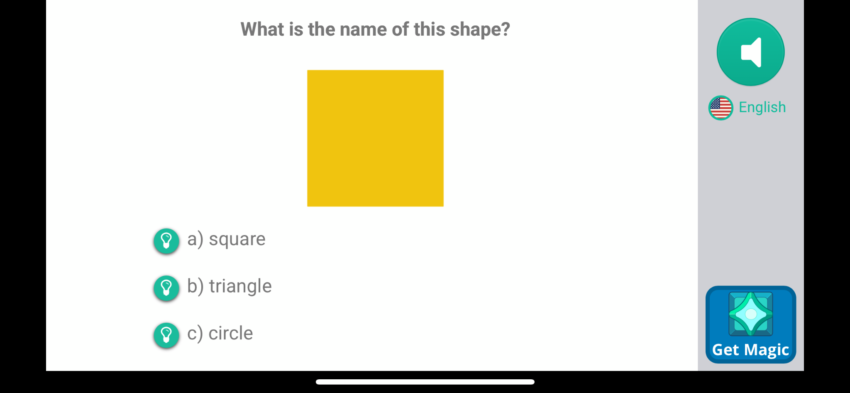
Prodigy Math is an RPG. Your kid builds a wizard, fights monsters, explores a world. The twist is that every battle action is a math problem matched to their grade level. The app is free; a Premium Membership adds cosmetic unlocks but does not change the math itself (verify current pricing in the App Store).
What it does well in a homeschool:
- Grades 1 through 8, so one app covers a long stretch of kids.
- Adapts to the child based on a quick preassessment, then stays tuned to what they struggled with.
- The parent account lets you see what skills your kid has been working on and sends weekly progress reports to your inbox.
The honest trade-off: Prodigy is designed to keep a kid playing, which means a session can turn into 30 minutes of outfit shopping and 5 minutes of math if you do not set a timer. I use a kitchen timer for 20 minutes and that keeps it in bounds.
5. Marble Math: Math Problems Hidden in a Maze
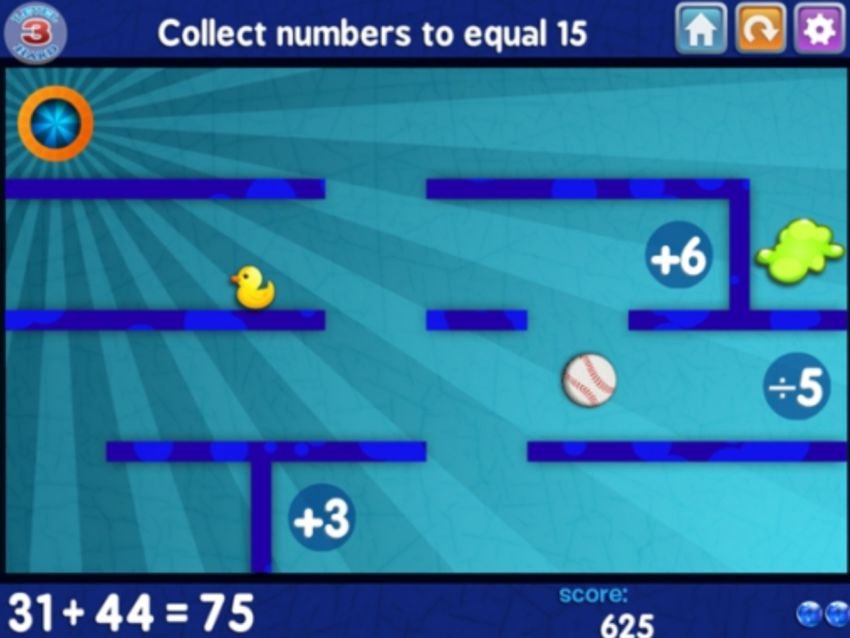
Marble Math (and the younger version, Marble Math Junior) is an iPad app from Artgig Studio where the kid rolls a marble through a maze, collecting the correct answer to a math problem before reaching the exit. It sounds small; it is weirdly compelling, and it covers more math than you expect.
Why it earns a spot:
- Marble Math Junior covers ages 5-8: counting, addition, subtraction, early multiplication, basic shapes. Marble Math covers ages 9 and up: multi-step problems, fractions, decimals, time.
- Three selectable control modes (tilt, swipe, trace), which matters if you have a kid who finds tilt controls frustrating.
- Each app is a paid one-time purchase, no subscription (verify current price in the App Store). Rare in this category.
Marble Math is not a curriculum. It is the “ten more minutes of math please” app I pull out when my kid wants to keep going after the structured lesson is done.
Pick the Combination That Fits Your Kids
You do not need all five. For most homeschools, two is plenty.
- Early years (ages 4 to 6): Khan Academy Kids plus Todo Math.
- Elementary (ages 6 to 10): MathHero as the daily practice, Prodigy as the pull-them-in game.
- Mixed ages, one iPad: look for apps with per-child profiles. MathHero, Khan Academy Kids, and Todo Math all do this.
- “Can I play more?” days: Marble Math is the no-pressure extra.
A gentle warning from the trenches: if a math app becomes a battle, pull it off the iPad for a week and try a different one. The right app is the one your kid opens on their own. If a child has been stuck on the same kind of problem for days, this guide on helping a child who struggles with math walks through what to try at home before you worry about something bigger.
Final Thoughts
Choose one app that pulls your kid in and one that gives you some structure to lean on. Keep sessions short, 10 to 15 minutes a kid, and trust the daily rhythm more than any single lesson. The best math app for your homeschool is the one your kid wants to open tomorrow.
FAQ
What is the best free math app for iPad?
Khan Academy Kids for pre-K through first grade. MathHero’s free tier (5 levels a day, no ads, full game) covers kindergarten through fourth grade arithmetic. Both work without a subscription.
How much iPad math practice is enough for a homeschool kid?
Ten to fifteen minutes a day, every day, beats a weekly 45-minute session. Short daily reps are how fact fluency builds.
Which math app works best for siblings sharing one iPad?
Any of MathHero, Khan Academy Kids, or Todo Math. All three support separate child profiles with their own settings and progress.
Do I need a math app if we already use a workbook?
Not strictly, but an app helps for the days when you cannot sit beside your kid. It is the independent practice tool that pairs well with your main curriculum.