
You planned to document this season of life properly. The birthday cake you stayed up until midnight to bake, the kids’ faces on the first day of school, the recipe your mother taught you that you keep meaning to write down properly. But between school runs, meal planning, and the thousand small tasks that fill every hour, the beautiful content you imagined stays stuck in your head — or worse, buried in a camera roll that nobody ever sees.
Here is the reality: you do not need more time. You need smarter tools. AI has quietly made it possible for busy parents to create genuinely stunning visual content — recipe cards, family memory books, cooking videos — in minutes rather than hours. This guide shows you exactly how.
Why Traditional Content Creation Does Not Work for Parents
Parenting content advice usually assumes you have a dedicated creative window — a quiet afternoon, a styled kitchen, good lighting, and the mental bandwidth to edit photos. Most parents have none of these things reliably. What you have instead are stolen moments: ten minutes while the pasta boils, fifteen minutes after the kids are in bed, a quick burst of inspiration on a Sunday morning.
The tools that work for parents need to fit into these windows, not demand that you reorganize your life around them. That is precisely where AI image and AI video generation tools have become genuinely useful — not as a replacement for your creativity, but as a way to execute your creative ideas quickly and beautifully, even when time is short.
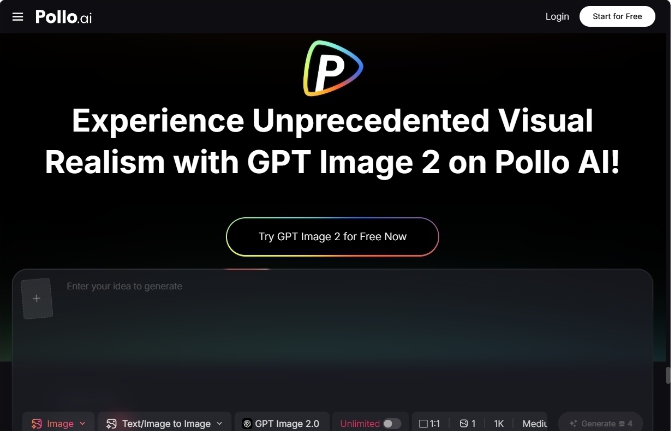
For creating polished recipe images and family content visuals, GPT Image 2 — available through Pollo AI — is one of the most capable tools currently accessible. It generates commercial-quality 4K images in under three seconds, with precise text rendering, photorealistic output, and the ability to follow detailed creative instructions accurately. For a parent who wants a beautifully styled recipe card or a memory-book image without spending an hour on photo editing, this kind of tool changes what is realistically achievable in a ten-minute window.
What You Can Actually Create: A Practical Overview
Recipe Cards and Food Photography
A well-presented recipe card — one you would actually want to print and frame, or share with your parent group — typically requires decent photography, design skills, and editing time. With AI image generation, you can describe the dish, the styling you want, and the mood of the image, and receive a polished result that looks professionally shot.
This is particularly useful for family recipes that deserve to be preserved properly. Your grandmother’s slow-cooked stew, the birthday cake your kids request every year, the weeknight pasta that has become a household staple — these deserve documentation that does justice to the care that goes into them.
Family Memory Visuals
Beyond food, AI image tools can help you create illustrated family memory content — personalized seasonal cards, illustrated versions of favorite family moments, custom artwork for children’s rooms. These are the kinds of creative projects that feel meaningful but typically require either artistic skill or a budget for a professional designer.
Cooking and Family Life Videos
Short-form video content — a fifteen-second recipe walkthrough, a family cooking moment, a seasonal celebration clip — performs exceptionally well on social platforms and makes for beautiful keepsakes. The barrier has always been the editing time, not the filming.
Step-by-Step: Creating a Stunning AI Recipe Card in Under 15 Minutes
Step 1 — Choose Your Recipe and Define the Visual Mood
Pick one recipe you want to document this week. Before opening any tool, spend two minutes thinking about the visual mood you want: warm and rustic, clean and modern, playful and colorful for a kids’ dish. This clarity makes your AI prompt significantly more effective.
Step 2 — Write Your Image Prompt With Specific Detail
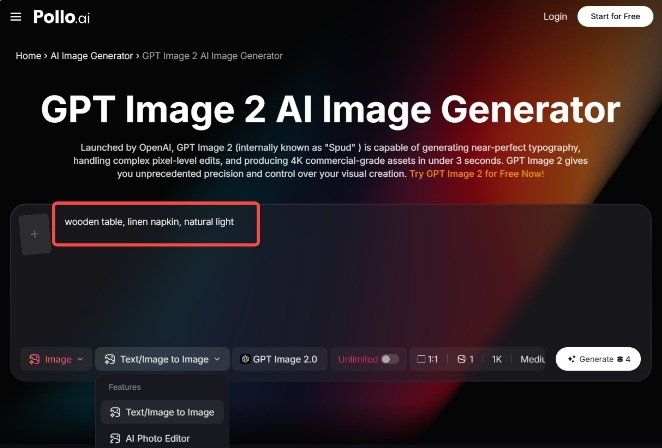
Open Pollo AI and navigate to the GPT Image 2 generation tool. Write a prompt that includes the dish name and its key visual characteristics, the styling context (wooden table, linen napkin, natural light), the mood and color palette, and any text you want included on the card — the recipe title, a short description, or a serving note.
GPT Image 2 handles text rendering with a precision that most AI image tools cannot match, which means recipe titles and ingredient notes appear cleanly and accurately in the generated image. Describe exactly what text you want and where you want it positioned, and the model will execute it reliably.
Step 3 — Generate and Refine
Submit your prompt and review the output. GPT Image 2’s instruction-following capability means the first generation is usually close to your vision, but do not hesitate to refine. Adjust the styling description, the lighting mood, or the text placement and generate again. Two or three iterations typically produce an image you are genuinely proud of.
Step 4 — Save and Share
Download your finished recipe card. It is ready to print, share in your family group chat, post to social media, or add to a digital recipe collection. The entire process — from opening the tool to a finished image — fits comfortably within a fifteen-minute window.
Creating Family Recipe Videos for Instagram
Once you have your recipe card image, the natural next step is bringing it to life as a short video — the format that consistently reaches the widest audience on social platforms.
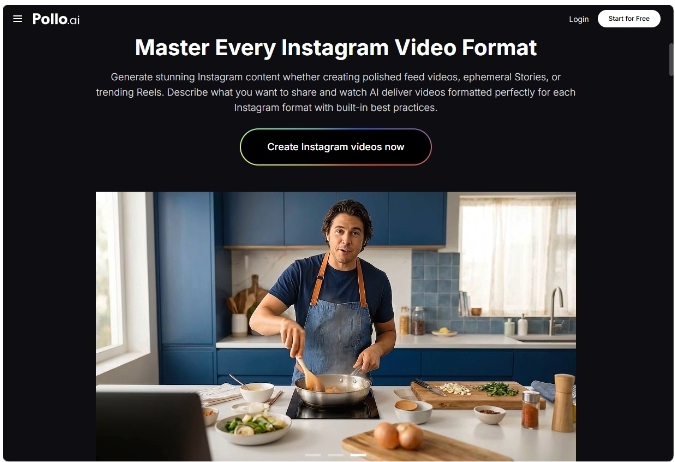
This is where the Instagram Video Maker capabilities within Pollo AI become particularly valuable for parent content creators. The tool is designed specifically for Instagram’s full range of formats — Stories, Reels, and standard video posts — and uses AI to translate your creative concept into a polished, platform-optimized video without requiring any editing skills.
For a parent sharing family recipes or cooking moments, the Instagram Video Maker feature handles the elements that typically make video production time-consuming: matching trending audio to your content, applying transitions that suit the platform’s algorithmic preferences, and maintaining a consistent visual aesthetic across your posts. The result is Reels content that looks intentional and polished rather than hastily assembled — which matters both for audience engagement and for how the platform distributes your content.
A simple workflow: use your AI-generated recipe card image as a visual anchor, add a brief text description of the dish and the cooking moment you want to capture, and let the tool generate a Reel that communicates the warmth and care behind the recipe. The whole process takes significantly less time than filming and editing a traditional cooking video.
Preserving Family Memories Beyond the Camera Roll
The camera roll is where memories go to be forgotten. Most parents have thousands of photos they fully intend to organize into something meaningful — and most of those photos remain unorganized indefinitely.
AI image tools offer a different approach to family memory preservation. Rather than trying to edit and organize every photo you have taken, you can use AI generation to create intentional, beautifully crafted visual records of specific moments and milestones. An illustrated version of a family holiday, a custom image celebrating a child’s milestone, a seasonal memory card that captures the feeling of a particular time of year — these are the kinds of keepsakes that actually get printed, framed, and passed down.
GPT Image 2’s photorealistic output and pixel-level editing precision mean you can also use it to enhance and stylize existing family photos — adjusting lighting, adding seasonal elements, or creating illustrated versions of real moments. The local editing feature adapts naturally to the existing light and shadow of the original image, which produces results that feel cohesive rather than artificially altered.
Advanced Tips for Parent Content Creators
Batch your AI generation sessions: Rather than creating one image at a time, set aside a single fifteen-minute window each week to generate all the visual content you need. Prepare your prompts in advance during quieter moments — waiting at school pickup, during a child’s nap — so the generation session itself is efficient.
Build a consistent visual style: Develop two or three prompt templates that encode your preferred visual aesthetic — your go-to color palette, lighting style, and styling context. Applying these consistently across your content creates a recognizable visual identity without requiring design expertise.
Use seasonal themes strategically: Family and cooking content performs particularly well when it connects to seasonal moments — back to school, holiday baking, summer recipes. Plan your AI-generated content around the seasonal calendar to maximize relevance and engagement.
Conclusion: Your Family’s Story Deserves to Be Beautifully Told
The moments you are living right now — the recipes, the milestones, the ordinary Tuesday afternoons that turn out to be the ones you remember most — deserve documentation that does them justice. The good news is that creating that documentation no longer requires design skills, photography expertise, or hours of editing time.
The workflow in this guide fits into the windows of time that busy parents actually have. Write a clear prompt, generate a polished image, bring it to life as a video, and share it. Start with one recipe this week — your favorite family dish, the one that always gets requested. Generate your first recipe card, see what is possible, and build from there.
Your family’s story is worth telling beautifully. The tools to do it are available right now.